
VPS weather is the wrong thing to watch
People love checking “VPS weather” like it’s a forecast with a clean answer: a green badge, a decent ping graph, a provider status page with no red banners, and everyone breathes easier. I understand why. It creates the feeling that something important is under control.
But the thing that usually ruins uptime is much less flashy. It’s the clock.
Not the one on your desk. The timing stack underneath the machine: time sync drift, jittery CPU scheduling, uneven disk latency, and network latency that looks harmless until your app starts missing heartbeats, auth tokens expire at the wrong moment, backups drift out of sync, or monitoring starts telling comforting lies.
That’s why I trust server timing more than a pretty “vps weather” dashboard. Weather tells you how things appear. Timing tells you whether the machine is still telling the truth.
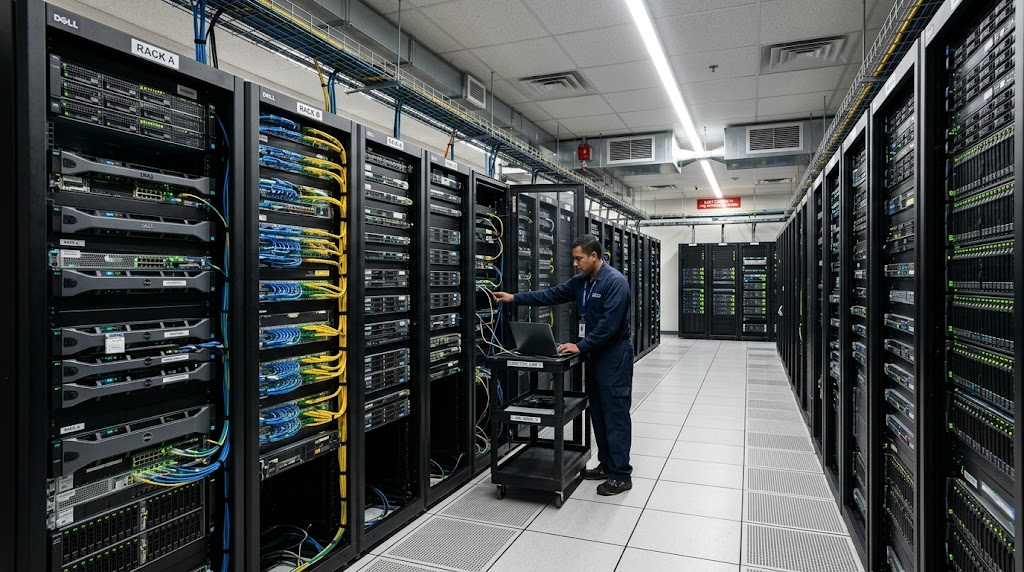
If you’ve chased a “random” outage that turned out to be NTP drift, a noisy neighbor, or a provider node with bad scheduling, you already know the shape of the problem. The server wasn’t dead. It was late. And systems that run late are how uptime quietly falls apart.
The part nobody puts in the sales copy
A lot of VPS marketing leans on CPU cores, RAM, SSDs, maybe “high performance network.” Those details matter. They just don’t mean much if the box can’t keep time consistently.
Here’s the uncomfortable part:
- A VPS with unstable server timing can pass basic checks and still fail real workloads.
- Network latency spikes can make an app look alive while requests time out under load.
- A clean-looking vps benchmark can hide ugly tail latency and scheduler jitter.
- Your monitoring can report “up” while users are already dealing with a broken experience.
That’s why articles like Your VPS Isn’t Just a Server — It’s a Countdown to Burned Budget and Lost Time land so hard. The issue isn’t hardware in isolation. It’s the gap between what the spec sheet says and what the machine can actually deliver, hour after hour.
And yes, that gap shows up in uptime.
What actually matters when you judge a VPS
If you want a VPS that can survive real traffic, stop focusing on the prettiest headline metric. Look at the things that break systems in practice.
1. Time consistency
Clock drift sounds harmless until TLS sessions, cron jobs, tokens, or replication logic start behaving strangely. If the host’s time sync is sloppy, your VPS becomes a bad witness. Everything downstream starts to look haunted.
2. Tail latency, not average latency
Average latency is where providers go to sell a story. Tail latency is where your users live.
A VPS might sit at 1–3 ms network latency most of the time, but if p95 or p99 spikes hard during busy periods, your app feels unstable. Real uptime is not “how fast it is when nothing is happening.” It’s “how stable it stays when things get messy.”
3. Steady CPU scheduling
A benchmark can look nice. A benchmark from one clean run can look even better. But if the scheduler is jittery, your process gets starved at the worst possible moment. That’s when GC pauses stretch, jobs miss deadlines, and request queues begin to pile up.
4. Disk behavior under load
Cheap VPS plans love to advertise SSD. Fine. Which SSD? Shared how? What happens when the node is busy?
If your app relies on logs, databases, or frequent writes, disk latency spikes become uptime problems wearing a “temporary slowness” label.

A quick test plan that actually tells you something
This is the part most people skip, then regret later. If you’re comparing hosts or checking a new node, run a small but brutal test set.
1. Check time sync immediately
Run:
timedatectl
chronyc tracking
chronyc sources -v
What you want:
- stable source selection
- a small offset
- no strange time jumps after reboot
2. Measure latency at different times
Don’t test once and move on. Run latency checks in the morning, during peak hours, and late at night.
Try:
ping -c 100 your-target
mtr -rw your-target
Watch for:
- p95 and p99 spikes
- packet loss
- route instability
3. Stress CPU and watch jitter
Run a lightweight stress test and see whether response times stay sane.
stress-ng --cpu 2 --timeout 300s
If your app becomes unresponsive while the CPU is only moderately busy, that’s a warning sign.
4. Push disk writes
For any serious workload, write load matters.
fio --name=test --filename=testfile --size=1G --rw=randwrite --bs=4k --iodepth=16
You’re not chasing vanity numbers. You’re looking for consistency.
5. Re-check after reboot
Some VPSes look fine until you restart them. Then the cracks show up: slower boot, time drift, bad service startup order, or a flaky hypervisor that only reveals itself when the node is cold.
That’s when the sales pitch ends and the actual machine starts talking.

VPS weather vs server timing: what wins in real life
The simplest way to say it: VPS weather is the forecast. Server timing is the clock on the wall.
One tells you what the environment claims. The other tells you whether your system is staying aligned with reality.
| Factor | VPS weather | Server timing |
|---|---|---|
| Shows general provider health | Yes | Sometimes |
| Reveals hidden jitter | No | Yes |
| Helps predict app stability | Weakly | Strongly |
| Catches drift-related failures | No | Yes |
| Useful for uptime decisions | Only as a surface signal | Directly |
If your goal is vps uptime, you need both eyes open. If they disagree, trust the timing signals first.
That’s also why a piece like Your VPS Isn’t Cheap — It’s Quietly Draining Your Time, Traffic, and Credibility matters. Cheap infrastructure rarely fails in one dramatic crash. It usually leaks time, one ugly delay at a time.
My practical buying rule in 2026
I keep it simple now:
- If the provider can’t show stable server timing behavior, I move on.
- If the network latency looks fine but the p99 spikes are ugly, I pass.
- If the vps benchmark looks strong but real workload timing is inconsistent, I don’t care.
- If time sync is messy, I treat the node like it already has a bruise.
That sounds strict. It is.
Because uptime is not a trophy for surviving a perfect day. It’s a habit of not failing when conditions get mildly annoying.
And in the VPS world, conditions are always mildly annoying.
What to remember when you’re choosing a VPS
Here’s the short version I wish more buyers used:
- Don’t confuse “looks healthy” with “stays healthy.”
- Treat server timing as a core reliability signal, not a niche detail.
- Judge network latency by spikes, not averages.
- Use a vps benchmark as evidence, not as truth.
- Assume vps weather can lie by omission.
If you’re narrowing down vendors, a panel can look polished and still waste your time. That’s why Your VPS Panel Is Not Saving Time — It Is Quietly Draining Your Profit fits the same pattern: the interface is rarely the problem. The hidden behavior is.
Uptime lives in the boring stuff. Time sync. Scheduling. Latency consistency. Disk predictability. The invisible clockwork.
That’s the forecast worth checking.