
The Windows VPS Mistake That Makes Your Server Look Powerful—Until It Starts Looking Exposed
A Windows VPS can feel like the point where you finally got the real thing. Remote Desktop works. The desktop looks familiar. You have admin rights. The machine feels like yours. It boots quickly. It looks professional. You can click around and get work done.
That’s why people get careless.
The mistake is simple: they confuse convenience with privacy. They assume a VPS is private because only they can log in. In practice, privacy has nothing to do with who can authenticate. It’s about who can see it, scan it, model it, and keep probing until something gives. A server that is easy to reach is also easy to map.
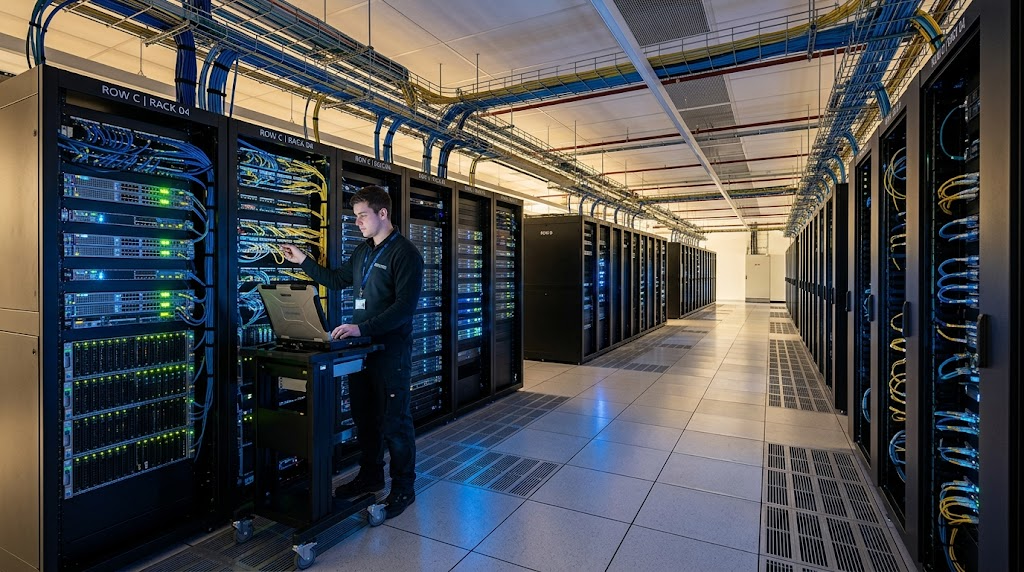
I’ve seen this happen in the least dramatic way possible, which is usually how security failures happen in real life. Someone spins up a Windows VPS, leaves RDP open to the internet, keeps the default admin name, and decides a strong password is enough. Then the logs start filling up with failed logins from random IPs at 3 a.m. Nothing cinematic. No breach headline. Just a machine sitting there saying, “I’m here, and you can keep guessing.”
A VPS is not private because only you can log in. It is private when strangers can’t even figure out how to reach it.
That’s the lens you need while you harden a Windows VPS. Not “How do I make it work?” but “How do I make it harder to notice, harder to enumerate, and harder to abuse?”
What exposed usually looks like
The exposed setup is rarely dramatic. It’s usually neat, convenient, and a little lazy.
- RDP is open on port 3389 to the entire internet.
- The firewall allows broad inbound rules “for now.”
- The administrator account is obvious.
- The VPS shows up in scans within minutes.
- Login attempts start almost immediately.
If you’ve checked Event Viewer after exposing RDP, you know the feeling. You don’t just see a few failed logins. You see a steady stream of noise from IPs you’ve never heard of, with usernames that look guessed from a hat: admin, administrator, user, test, support. That doesn’t mean you’re hacked. It means your machine has already been noticed.
That’s the real problem. Once a Windows VPS becomes visible, it stops being just your machine and starts looking like a target class.
If you want a related deep dive into how people accidentally create that kind of exposure, I wrote about it in The VPS Deployment Mistake That Exposes Your Inner Shadow. Different angle, same basic lesson: the real danger usually lives in the setup, not the exploit.
The 3 layers of Windows VPS security that actually matter
Most advice stops at “change the password” and “install updates.” Those are necessary. They are also not enough.
Think in three layers:
- Visibility — Can strangers find the service at all?
- Identifiability — Can they tell what it is, what runs on it, and how to probe it?
- Recoverability — If something goes wrong, can you get back in control quickly without improvising under pressure?
That framework is more useful than the usual hardening fluff. A machine can be technically secure and still be very visible. Visibility is what makes brute-force testing cheap.
A real-world hardening sequence that makes sense
1) Close public RDP access first
If RDP is open to the internet, fix that before you touch anything else.
Do this instead:
- Restrict port 3389 to a VPN subnet or your static office/home IP
- If your provider supports it, add a cloud firewall rule before the Windows firewall rule
- If you must test connectivity, open it for a short window, then close it again
A lot of people do this backward. They spend an hour tweaking local security policy while leaving the front door wide open. That isn’t hardening. That’s interior decorating.
2) Rename and rethink the admin path
Don’t make your login story easy to guess.
- Use a non-obvious admin account name
- Disable the built-in Administrator where possible
- Create a separate admin account for daily management
- Use strong unique credentials and MFA wherever your stack allows it
This isn’t paranoia. It’s about not advertising the shape of your setup. Small details matter because scanners and bots don’t need much.
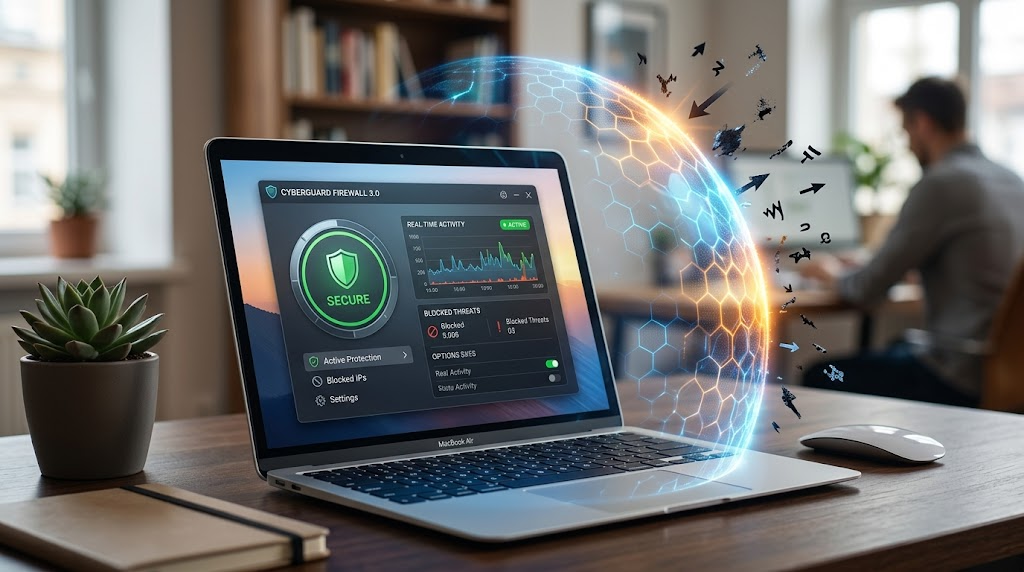
3) Tighten the firewall like you mean it
Windows firewall only helps if you stop treating it like a checkbox.
- Allow only the ports you actually need
- Limit source IPs instead of allowing “any”
- Remove old test rules
- Document why each rule exists
A messy firewall usually means a messy process. That’s not a moral judgment. It’s just what the logs show.
4) Kill unnecessary services and roles
A Windows VPS often ships with more surface area than you need.
Ask one blunt question: what is this machine actually for?
If it’s a web app host, maybe you don’t need printer services, SMB exposure, or a pile of legacy roles hanging around “just in case.” Every unnecessary service adds another fingerprint. Every fingerprint helps enumeration.
5) Make updates boring and predictable
Patch management sounds dull until it saves your week.
- Set a maintenance window
- Apply security updates regularly
- Reboot intentionally, not in a panic
- Track what changed after each patch cycle
The goal isn’t perfection. The goal is to avoid the classic failure where the server stays exposed because “we don’t want to break anything.”
That line has probably created more risk than many exploit kits.
Bad setup vs hardened setup
| Area | Bad setup | Hardened setup |
|---|---|---|
| RDP access | Open to all IPs on 3389 | Restricted to VPN or fixed IPs |
| Admin account | Default or obvious name | Separate named admin account |
| Firewall | Broad allow rules | Narrow source-based rules |
| Services | Lots of unused roles enabled | Only required services running |
| Updates | Irregular, manual, forgotten | Scheduled and tracked |
| Visibility | Easy to scan and identify | Harder to enumerate and profile |
That table is the whole game in plain English. You are not trying to make the server look impressive. You are trying to make it look uninteresting to everyone except you.
The 10-minute fixes you can do today
If you’re under pressure and can’t do a full rebuild, start here:
- Restrict RDP to a trusted IP range.
- Change the administrator account name.
- Turn on Network Level Authentication.
- Remove any rule that says “Any/Any” unless you can defend it.
- Check Event Viewer for repeated failed login attempts.
- Confirm backups are actually restorable, not just “enabled.”
That last one matters more than people like to admit. Recoverability is part of security. If compromise happens and your recovery is shaky, your “secure” VPS was just a delayed problem.
The 1-hour fixes that raise the bar
Once the obvious stuff is done, spend an hour on the boring, high-value work:
- Set up VPN-only management
- Review local users and group memberships
- Disable or lock down unused remote access methods
- Enable account lockout policies with sane thresholds
- Audit open ports from the outside, not just from inside the box
- Record the machine’s expected services so future drift stands out
That outside audit piece is underrated. From inside the server, everything looks normal. From the internet, the truth is uglier. Run the test from both sides if you want reality instead of comfort.
The ongoing habit that keeps Windows VPS security real
Security isn’t a one-time “hardened” badge. It’s a habit of reducing what the server reveals over time.
That means:
- Reviewing firewall rules monthly
- Watching for new login patterns
- Rechecking exposed ports after changes
- Removing temporary access the same day you grant it
- Treating every convenience shortcut as a future liability
The best VPS setup is not the one that feels strongest when you stare at it in a dashboard. It’s the one that gives strangers very little to work with.
That’s the quiet advantage. Less surface, less trouble.
A cleaner way to think about Windows server privacy
Here’s the part most people miss: Windows server privacy is not something you add after deployment. It’s the deployment philosophy itself.
If your machine can be trivially found, fingerprinted, and brute-forced, it is not private. It is simply online.
Once you accept that, your choices get sharper. You stop asking, “Can I make this accessible?” and start asking, “Who actually needs to see this, and why is anyone else able to?”
That’s a more professional posture. It’s also more realistic.
If you’re building your next Windows VPS setup, don’t aim for the server that looks powerful from the outside. Aim for the one that does useful work while staying hard to notice. In infrastructure, invisibility usually beats theatrics.