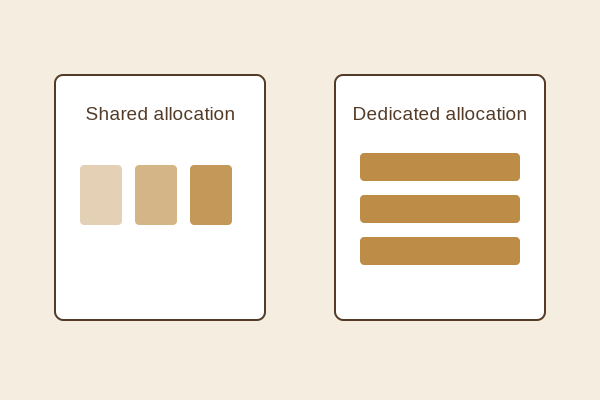
Allocation is the first distinction
Shared-vCPU plans and dedicated-vCPU plans differ in how access to CPU resources is allocated. The practical question is whether your application spends most of its time idle, arrives in short bursts or needs sustained processing.
Two plans showing the same number of virtual cores can therefore be a poor like-for-like comparison. Hardware generation and the rest of the system also matter.
Look at the real workload
For a lightly used website or development environment, an appropriately sized shared plan can be a plausible starting point. A processing queue or consistently busy database may justify investigating a dedicated allocation.
That is a workload hypothesis, not a brand-level result. Observe CPU pressure alongside memory, disk and application response before calling the CPU the bottleneck.
Dedicated vCPU is not bare metal
A dedicated-vCPU VM remains a cloud virtual machine under the provider allocation model. It does not automatically give you the administration or isolation boundary of renting an entire physical server.
Read the actual product terms. Avoid importing benchmark results from a different plan, location or hardware generation.
Compare with a repeatable check
Choose the candidate plans, record their published specifications and run the same relevant application task under documented conditions. Inspect both normal and sustained behavior.
If there is no first-hand test, label the comparison as published-specification analysis. An invented score is less useful than a clear statement of what remains unmeasured.

